You can reset your own password using the system.
1. Go to our reset password feature
2. Entering your email or username and mobile number
3. Click the SEND PASSWORD RESET LINK button
4. Within a couple of minutes you will receive an email with a link
5. Click the link and reset your password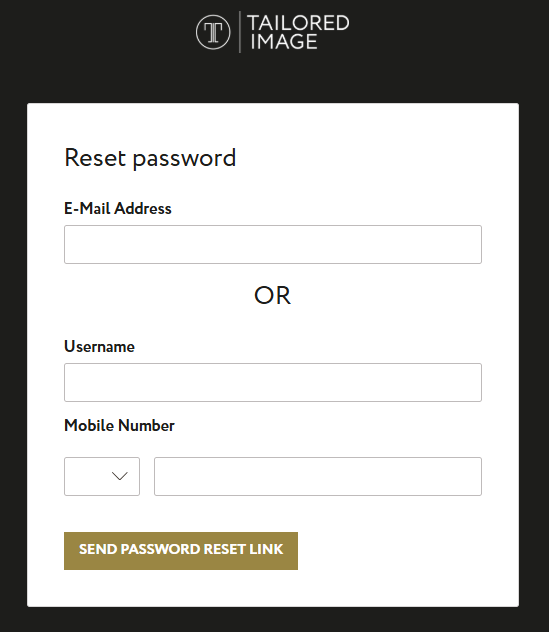
Was this article helpful?
That’s Great!
Thank you for your feedback
Sorry! We couldn't be helpful
Thank you for your feedback
Feedback sent
We appreciate your effort and will try to fix the article